

Fluux Messenger 0.13.0 - Native TCP Connection & Complete EU Language Coverage
Native TCP connection, 26 EU languages and clipboard image paste headline this release.


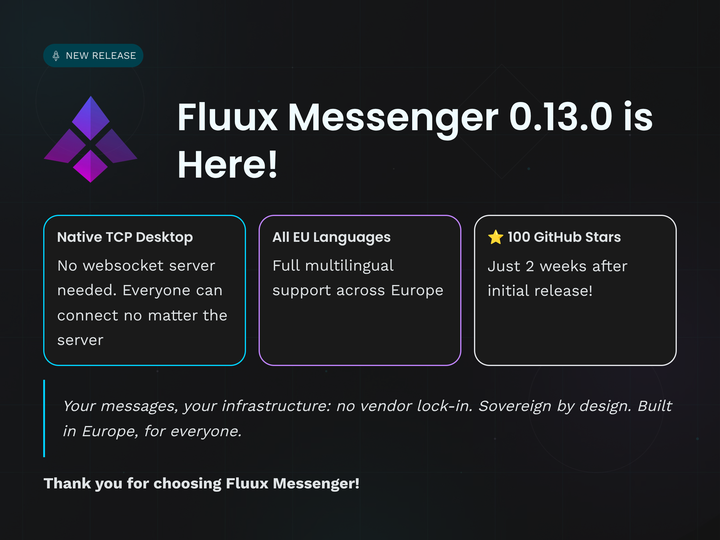
We're excited to announce Fluux Messenger 0.13.0, featuring native TCP connections, complete European language coverage, and significant performance improvements.
Also, we recently passed the first 100 stars on GitHub. Thank you for your support and for believing in open, sovereign messaging !
What's New
Native TCP Connection Support on Desktop
Desktop users can now connect directly to XMPP servers via native TCP through our WebSocket proxy implementation. This means lower latency, better reliability, and native protocol handling. No more browser limitations.
We believe that's a nice milestone worth a blog post. Until now, desktop users needed their XMPP server to support WebSocket connections. With v0.13.0, you can connect to any standard XMPP server. We estimate this will enable 80% of users who couldn't connect before to finally use Fluux Messenger with their existing servers.
Complete European Union Language Coverage
Fluux Messenger now supports all 26 EU languages, making it truly pan-European. From Bulgarian to Swedish, Croatian to Maltese, we've got you covered. Languages include:
- Bulgarian, Croatian, Czech, Danish, Dutch, English, Estonian, Finnish, French, German, Greek, Hungarian, Icelandic, Irish, Italian, Latvian, Lithuanian, Maltese, Norwegian, Polish, Portuguese, Romanian, Slovak, Slovenian, Spanish, Swedish.
Dynamic locale loading means faster initial startup while maintaining comprehensive language support.
If you spot any translation issues, feel free to contribute on our GitHub repository.
Clipboard Image Paste
Paste images directly from your clipboard with Cmd+V (macOS) or Ctrl+V (Windows/Linux). Copy from anywhere, paste into Fluux. It (should) just work ;). Tested and confirmed with Safari's "Copy Image" feature and system clipboard operations so far.
Clear Local Data on Logout
New privacy option to completely clear local data when logging out. Perfect for shared devices or when you need a fresh start.
Performance & Reliability Improvements
-
Smarter Message History Loading - We've completely redesigned our Message Archive Management (MAM) strategy. Message history now loads intelligently based on your scrolling behavior and available data, reducing unnecessary server requests.
-
Better Resource Management - Fixed duplicate avatar fetches when hashes haven't changed, reducing bandwidth usage and improving profile picture loading times.
-
Rock-Solid Scroll Behavior - Media loading no longer disrupts your scroll position. The scroll-to-bottom feature now works reliably, even when images and files are loading.
-
Better Windows Tray - Improved tray behavior on Windows for a more native experience.
macOS Sleep Recovery - Fixed layout corruption that could occur after your Mac woke from sleep.
UI & UX Polish
- Consistent attachment styling across light and dark themes
- Fixed sidebar switching with
Cmd+Ukeyboard shortcut - Improved new message markers - position correctly maintained when switching conversations
- Better context menus - always stay within viewport bounds, no more cut-off menus
- Markdown preview accuracy - bold and strikethrough now properly shown in message previews
Linux Packaging
Improved Linux packaging using native distribution tools for better integration with your system package manager.
Developer Experience
Centralized notification state with viewport observer provides better performance and more reliable notification handling across the application.
Get Fluux Messenger
Download for Windows, macOS, or Linux in the latest Release page.
Source code is available at: GitHub
Your messages, your infrastructure : no vendor lock-in.
Sovereign by design. Built in Europe, for everyone.